We start the new year with a number of foundational changes which will equip our customers to scale their organisations even more smoothly and faster going forward.
These include infrastructure upgrades to support growth, and deployment improvements that make development and testing quicker and more reliable.
We’ve also brought additional experienced developers into our partner network, which means we can increase the pace of development and meet the demand for larger pieces of work.
Here’s what’s new:
AI assisted PDF templating
It’s now possible to create and edit PDF document templates by prompting the AI.
This works both for generating new templates and modifying existing ones. For example:
- “Create a letter to a customer outlining upcoming installation dates”
- “Move the ‘requirements’ section of the proposal to the start of the document”
The AI is aware of all variables available to the template (listed at the bottom of the template editing screen). If a field isn’t available, it won’t be used — to make it available, add it to the document generation view.
📘 Learn more in our documentation →
Template editing in multi-tenanted systems
When working with multi-tenanted systems, you no longer need to remove yourself from a multi-tenanted role to edit a template and then reassign yourself to test it. Templates can now be edited and tested without switching roles.
Key indicators
Statistics for a field are now shown above the view when hovering over a column heading, rather than overlapping the data. This makes them easier to use, particularly when making global edits.
AI-selected statistics can be enabled or disabled at the view level.
Indicators now also update consistently when filters are applied.
Document library updates
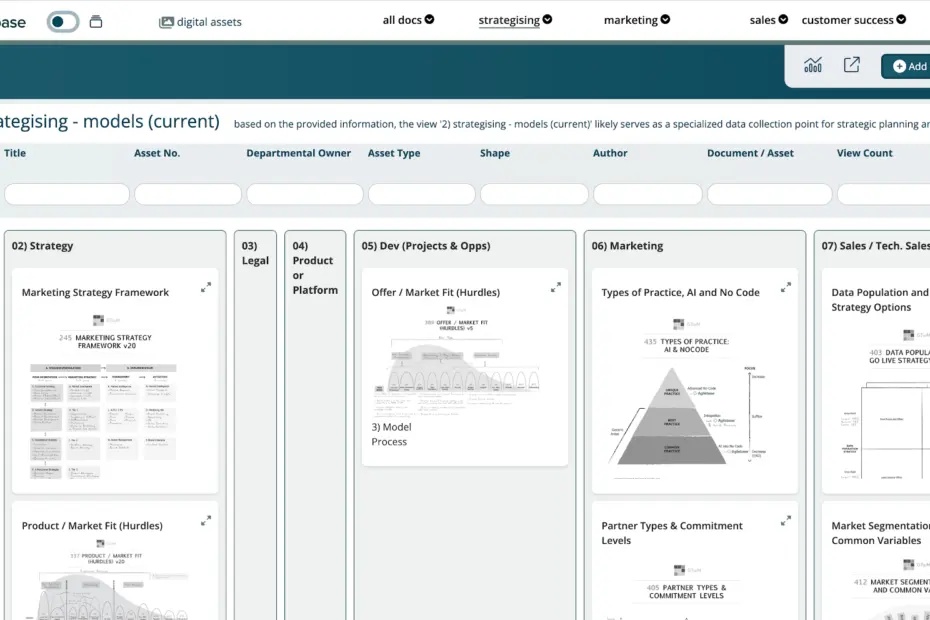
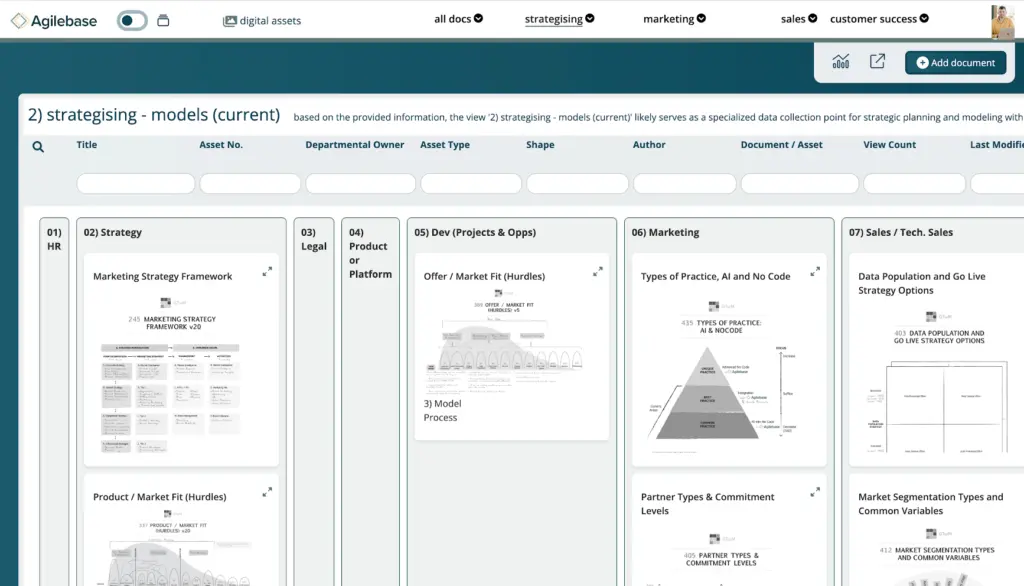
A new document library layout is available.
This allows you to combine a kanban-style layout (cards in columns – like Trello) with document previews, so you can organise documents visually while still seeing their contents.
Other fixes and improvements
- When viewing charts, a small number of data rows remain visible above the chart to provide context when filtering
- Recent records now show preview images where available, rather than generic icons
- Warnings are shown before deleting or renaming fields that are used by APIs or other integrations
- AI workflows can now set dropdown and tag fields
- For views with caching enabled, cache effectiveness is now visible, including how many queries are served from cache
.
Customers with test systems can try these out now. Updates will be rolling out to live systems over the next few days.